
Dify has more than 122,000 GitHub stars. Your developer colleague says it can automate anything. The question nobody answers honestly is what 'anything' actually requires before your first marketing workflow runs.
Here’s the short answer: Dify is an LLM app builder. It gives you the components to build marketing AI tools — it doesn’t come with any pre-built ones. That’s a meaningful difference, and it determines whether Dify saves your marketing team 10 hours a week or costs your team 20 hours before you see a single useful output.
This article is not for developers. It’s for marketers who discovered Dify on Product Hunt, heard about it from a startup Slack, or watched a YouTube video showing AI-generated content in 30 seconds. You want to know if Dify is actually usable for marketing, what it costs in time and money, and whether there’s a faster path to the same outcomes. That’s exactly what this covers.
What Is Dify and Why Marketers Are Noticing
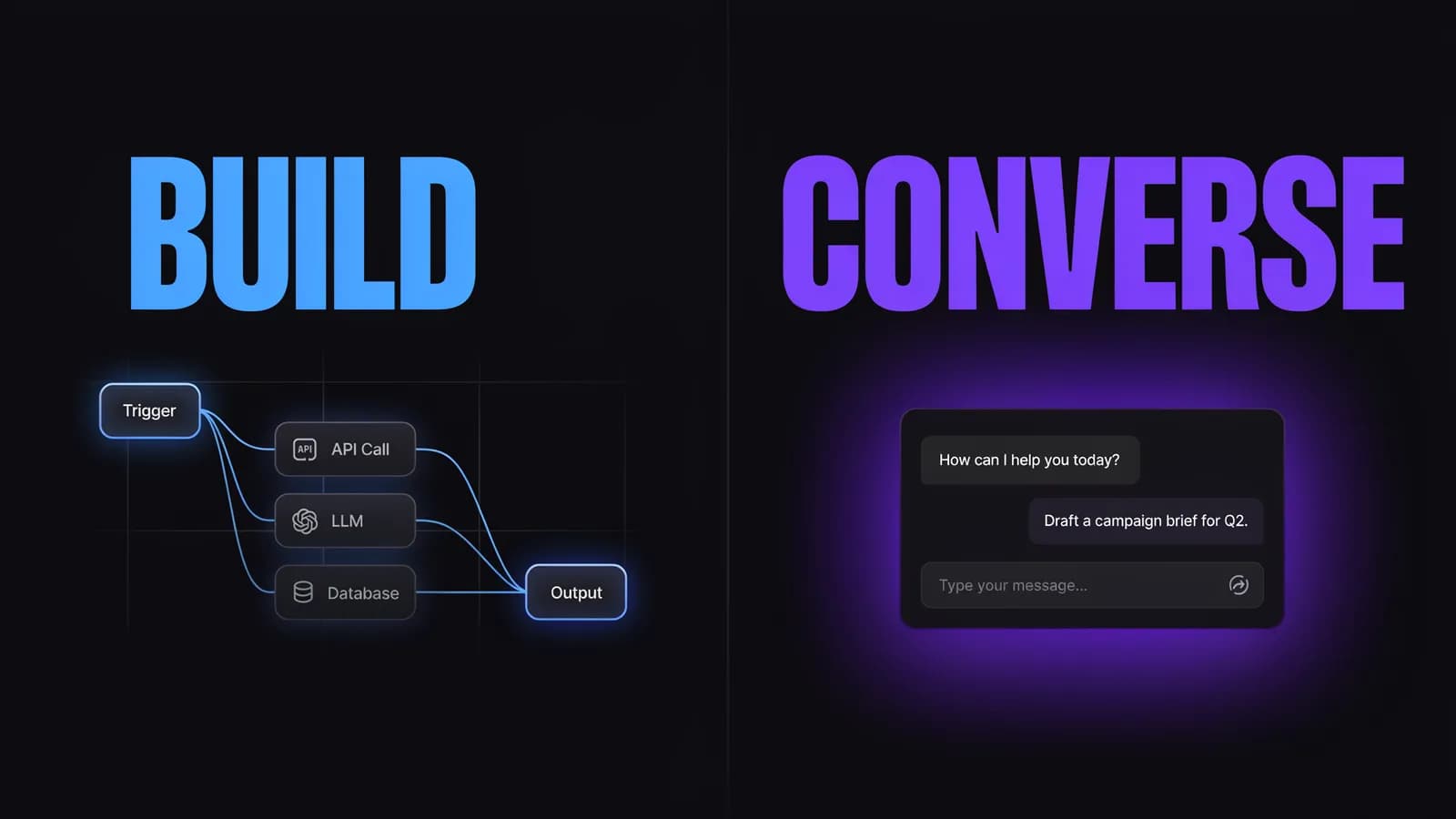
Dify is an open-source platform built by LangGenius for creating custom AI applications. It supports agentic workflows, RAG (retrieval-augmented generation) pipelines, multi-LLM model management, and a visual node editor. Think of it as a drag-and-drop builder where you connect AI models to data sources, web APIs, and logic flows — all without writing code.
The reason marketers started paying attention is simple: the demos look exactly like what marketing teams want. A competitor research agent that summarizes 10 blog posts in 90 seconds. An SEO brief generator that takes a keyword and returns a structured outline. An ad copy pipeline that produces 20 variants from a product description.
Those things are genuinely possible with Dify. But the demo skips the setup. What you see in the demo is the finished app. What you don’t see is the 15 hours it took to build the workflow, connect the web search API, debug the node that kept returning empty strings, and train the LLM prompt to follow your brand voice.
What Dify actually is:
- A platform for building AI-powered tools and workflows
- An open-source LLM app builder (available as self-hosted or cloud service)
- A visual canvas with nodes: LLM, Knowledge Base, HTTP Request, Code, Conditions, and more
- A framework supporting OpenAI, Claude, Llama 2, Mistral, and dozens of other models
- Part of the same category as n8n for marketing — a powerful automation layer, not a finished product
What Dify is not:
- A pre-built marketing platform
- An SEO tool, ad manager, or content editor
- A replacement for Jasper, HubSpot, or Semrush out of the box
- Beginner-friendly if you expect it to “just work” for marketing tasks
Dify sits firmly in the emerging category of agentic marketing infrastructure — tools that let you build autonomous marketing workflows. The payoff is real customization and no vendor lock-in on features. The cost is that you’re doing the building.
5 Real Marketing Workflows You Can Build in Dify
These workflows are genuinely achievable in Dify. Each comes with an honest build time estimate and the skill level required.
1. Content Research Agent
What it does: Takes a topic or keyword input, searches the web, summarizes top-ranking articles, extracts key claims, and returns a structured research brief.
How to build it: HTTP Request node (web search API like Serper or Exa) → LLM node (summarize + extract) → Output formatter node. You’ll need a separate web search API account.
Build time: 6–10 hours for a first-time Dify user (includes 2–3 hours debugging JSON parsing).
Skill level: Comfortable with APIs. No coding required, but you need to understand API keys and JSON structure.
2. SEO Content Brief Generator
What it does: Takes a primary keyword as input, uses a knowledge base (your brand guidelines + examples) and web search, and outputs a structured brief: suggested H2s, search intent, word count, internal linking suggestions.
How to build it: Input → Knowledge Retrieval node (brand guide) → HTTP Request node (SERP data) → LLM node (combine + format) → Output.
Build time: 10–15 hours. Prompt engineering for consistent brief formatting takes longer than the node wiring.
Skill level: Intermediate. You need to understand how to instruct an LLM to follow a fixed output structure.
3. Ad Copy Variation Pipeline
What it does: Takes a product description + target audience as input, generates 10–20 ad copy variations across different tones (urgency, value, curiosity), formats for Facebook and Google.
How to build it: Input → LLM node (parallel branches per tone) → Merge node → Output.
Build time: 4–8 hours. Parallel branching is straightforward once you know the pattern.
Skill level: Beginner-to-intermediate. Workflow structure is simple; prompt engineering determines output quality.
4. Competitor Content Monitor
What it does: Scheduled trigger → scrapes 5–10 competitor blog URLs → LLM summarizes new posts → outputs a digest to Slack or email.
How to build it: Workflow Trigger node → HTTP Request node (scrape competitor URLs) → LLM node (detect new content, summarize) → HTTP node (Slack webhook).
Build time: 8–12 hours. Reliable scheduling requires handling rate limits, URL changes, and failure states.
Skill level: Intermediate. Webhook configuration and error handling required.
5. Social Media Calendar Generator
What it does: Takes a topic, audience description, and date range as inputs → outputs 30 days of social post ideas with suggested captions and hashtag clusters.
How to build it: Input → LLM node (generate post ideas) → LLM node (refine + format for platform-specific requirements) → Structured output.
Build time: 3–6 hours. Simplest workflow structure — most of your time goes to prompt iteration.
Skill level: Beginner. The most accessible Dify workflow for non-technical marketers.
The honest pattern across all five: the first workflow takes longest. Once you’ve built 2–3 workflows, the pattern recognition speeds things up significantly. But expect 20–40 hours total investment before Dify becomes a reliable part of your marketing stack.

The Setup Reality — What You’re Actually Signing Up For
Before you build any workflow, you need Dify running. Here’s what that actually looks like.
Option 1: Dify Cloud (Sandbox — Free)
You get 200 message credits, 1 workspace, 1 team member, 5 apps, and 50 knowledge documents. Enough to experiment and build your first workflow. Logs expire after 30 days.
The free tier is genuinely useful for testing. The limitation hits when you want to run workflows repeatedly or share with colleagues.
Option 2: Dify Cloud (Professional — $59/month)
3 team members, 50 apps, 5,000 message credits/month, 5GB knowledge storage. This is the minimum viable plan for a real marketing workflow used daily.
Important: $59/month is the Dify subscription. You still pay separately for AI model API usage. GPT-4 at typical marketing workflow volumes adds $50–$150/month. Total realistic cost: $110–$210/month for a team of 2–3.
Option 3: Dify Cloud (Team — $159/month)
50 members, 200 apps, 10,000 credits/month, 20GB storage. For agencies or larger marketing teams.
Option 4: Self-Hosted (Free)
Dify is MIT-licensed open source. You can deploy it on your own server using Docker. Zero licensing cost.
The catch: you need a server (AWS/GCP/DigitalOcean, typically $20–$50/month), Docker knowledge, and someone to maintain it. For a marketing team without a developer, self-hosting is not realistic.
Time to First Useful Workflow
A developer with Dify experience: 2–4 hours.
A marketer with API experience but no Dify experience: 8–20 hours.
A marketer unfamiliar with APIs: 20+ hours, and likely frustrating.
The dev.to community consensus from practitioners who use Dify professionally: “Dify democratizes AI agent building, but it’s not magic. You still need to understand how AI works conceptually.”
If you’re a marketer who loved what Cursor for marketing promises — that code-adjacent tools can dramatically accelerate your work — Dify sits in the same category. The power is real. So is the learning curve.
Dify vs. Marketing Platforms — The Core Trade-Off
The fairest comparison is not Dify vs. HubSpot or Dify vs. Jasper. It’s Dify vs. a marketing-native AI platform that was designed to replace those tools without the build time.
Dimension | Dify | Allable |
|---|---|---|
Setup time | 10–20h (first useful workflow) | 0h (ready immediately) |
What you get | An app builder — you create the tools | Pre-built marketing AI platform |
Technical requirement | Node editor, API configuration, optional Docker | None |
SEO module | Build from scratch | Built-in keyword research, SERP analysis, content planning |
Content writing | Build a generation pipeline | Integrated AI content editor |
Ads module | Build a copy pipeline | Campaign planning and ad copy built-in |
Analytics | Not included — you’d need to build a dashboard | Built-in reporting |
Monthly cost (cloud) | $59–$159 + $50–$200 API costs | Single subscription |
Best for | Teams with developer support, custom needs | Marketing teams who need to start this week |
The comparison with n8n for marketing is also worth making. Both n8n and Dify are powerful agentic workflow builders. n8n has more pre-built connectors to business tools (CRMs, email platforms, Shopify). Dify is more LLM-native — it’s optimized for AI reasoning workflows rather than data routing. If you’re already using n8n for automation and want to add LLM intelligence to your workflows, Dify is actually a natural complement. If you’re choosing from scratch, the trade-offs are similar.
The vibe marketing philosophy — the idea that anyone who can describe a workflow can build one — is real in Dify. But “anyone” in practice means someone who’s comfortable with semi-technical interfaces. It’s not quite the vibe marketing dream where tools disappear entirely. The interface is still there, and you still spend time in it.
When Dify Makes Sense for Marketing Teams
Dify is a strong choice in four specific scenarios:
1. You have a developer on your team or in your company.
The value of Dify scales dramatically when someone with technical experience handles the initial build. A developer can set up a content research agent in 2–4 hours. Your marketing team runs it daily without touching the workflow again. That’s a genuine 10× productivity gain on research tasks.
2. You need a highly customized workflow that no marketing SaaS offers.
Standard marketing platforms optimize for common use cases. If your workflow is unusual — say, monitoring 50 niche competitor sites for specific product mentions, then routing alerts into a custom scoring model — Dify’s flexibility is worth the setup cost. You’re not paying for features you don’t use, and you’re not constrained by a vendor’s roadmap.
3. Data privacy is a hard requirement.
Self-hosted Dify keeps your data entirely within your infrastructure. If you’re in a regulated industry or working with sensitive client data, the self-hosted option eliminates concerns about third-party data access. No SaaS marketing platform offers this level of control.
4. You’re building internal marketing tools for repeatable agency workflows.
Agencies delivering similar work to multiple clients can build a Dify workflow once and run it for every client. A brief generation agent, a keyword analysis agent, a competitive summary agent — each built once, deployed across the entire client roster. The economics work if you’re running 10+ clients through the same workflow.
When You Should Skip Dify and Use a Marketing Platform Instead
You need results this week, not this quarter.
Dify is an investment. You’re buying potential capability, not working software. If your Q3 content calendar is due Friday and you need AI assistance today, Dify is the wrong answer.
You have no developer support.
The free tier is a fine sandbox. But a reliable, team-usable marketing workflow requires configuration, debugging, and occasional maintenance. Without technical support, you’ll hit a wall somewhere in the setup and spend more time in Dify’s Discord looking for help than you will getting marketing work done.
You want integrated marketing analytics.
Dify does not measure marketing performance. It doesn’t know your CTR, your rankings, your conversion rate. Every insight has to come from somewhere else. You’d be running multiple disconnected tools and manually synthesizing the output.
You need an AI tool that improves your SEO or manages your ad spend.
Dify has no SEO capability out of the box. It doesn’t read your GSC data, it doesn’t track keyword positions, and it doesn’t optimize ad bids. These aren’t gaps you can bridge with a single workflow — they require dedicated functionality.
A marketing-native platform like Allable was built specifically for this case. You get AI-powered keyword research, content planning, campaign management, and competitor analysis — all in one place, with zero setup. The trade-off is less customization than Dify. The gain is that you’re running marketing campaigns on day one, not week four.
FAQ
What is Dify and can marketers actually use it?
Dify is an open-source LLM app builder. Marketers can use it, but there are no pre-built marketing modules. You build everything yourself. Expect 10–20 hours before your first reliable workflow runs. If that sounds like too long before seeing ROI, a purpose-built marketing AI tool is the better fit.
Is Dify free for marketing teams?
The Sandbox plan is free (200 credits, 1 user, 5 apps) — fine for testing. Team use requires the Professional plan at $59/month, plus AI model API costs of $50–$150/month separately. Total realistic cost: $110–$210/month for a small team. Self-hosted Dify is free but requires a server and Docker knowledge.
How does Dify compare to n8n for marketing automation?
Both are node-based workflow builders. n8n has more pre-built connectors to business apps (Salesforce, Shopify, Gmail). Dify is more optimized for LLM-native reasoning — language understanding, document retrieval, multi-step AI logic. n8n is better for connecting business tools; Dify is better for building AI agents. Many teams use both: n8n handles data routing, Dify handles the intelligence.
Can Dify replace Jasper or HubSpot?
For content generation: Dify can build something similar to Jasper — but you build, tune, and maintain it yourself. If the effort pays off, the output is more customizable. HubSpot is a different category. Its CRM, automation, and analytics depth requires months of custom development to replicate. Dify is not a HubSpot replacement.
What’s the fastest way to get Dify working for marketing?
Start with the Dify Marketplace — pre-built workflow templates you can copy and modify. A social media caption generator or competitor summary agent is the fastest first win. Expect 3–6 hours using a template as your starting point. If you want marketing AI that works immediately with no templates or setup, Allable is the faster path.
Dify is a genuinely powerful tool for the right team. The engineering elegance is real, the flexibility is real, and the GitHub community is active. What it is not is a shortcut. If your goal is to automate marketing tasks without a developer in the room, you’re looking at the wrong tool — or a longer journey than the demos suggest.